
 Pricing & How-To
 RapBooster Growth Team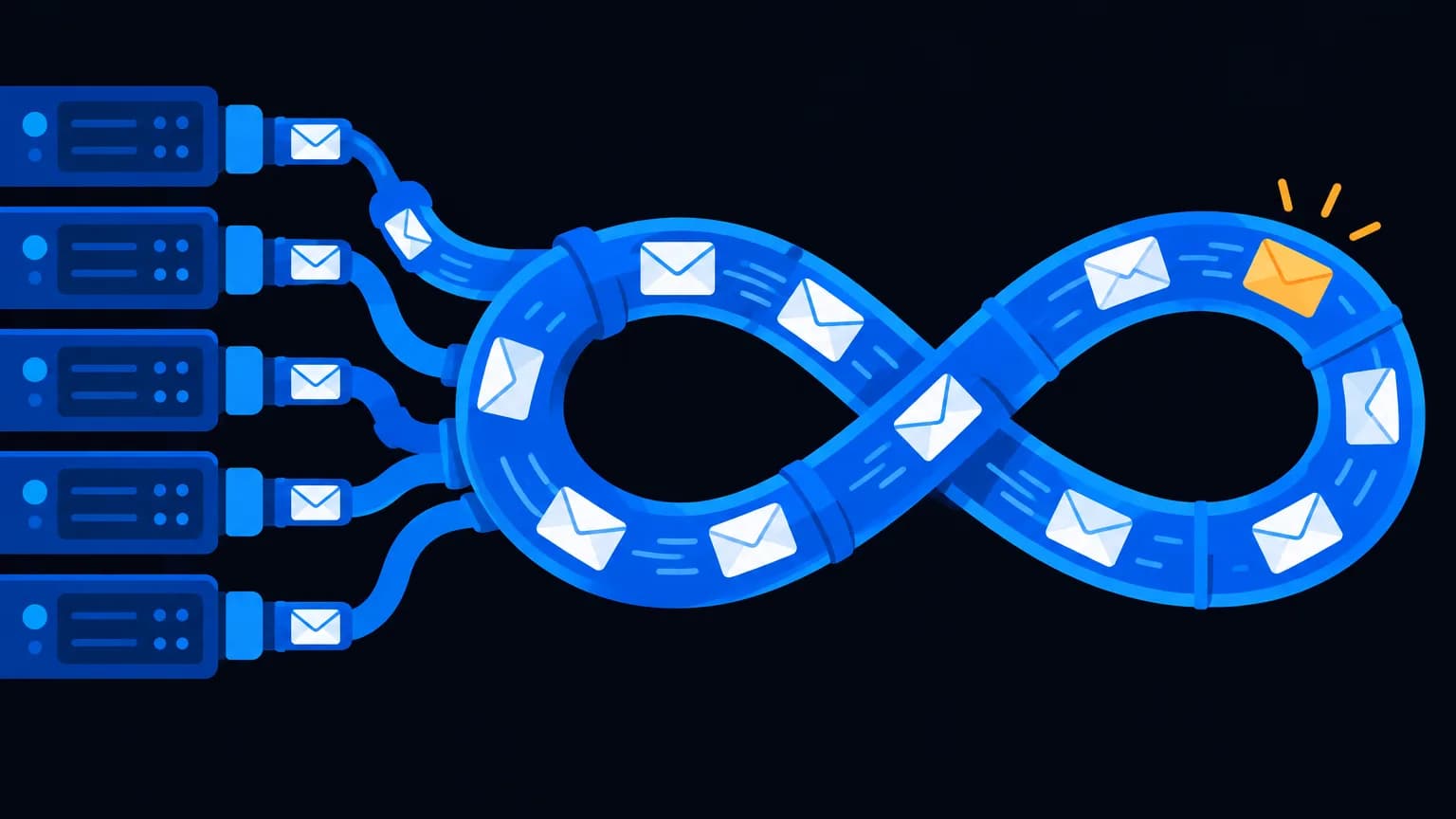
An SMTP server (Simple Mail Transfer Protocol) is the service that sends your emails to recipients' mail servers, like a post office for email. "Unlimited SMTP" on RapBooster means you can connect as many SMTP servers and sending accounts as you need in one dashboard. Each SMTP provider still sets its own sending limits, so plan volume and authentication properly.
How does email sending actually work?
- You write an email in RapBooster
- RapBooster hands it to an SMTP server you've connected
- The SMTP server finds the recipient's mail server (via DNS MX records)
- The recipient's server checks authentication (SPF, DKIM, DMARC) and reputation
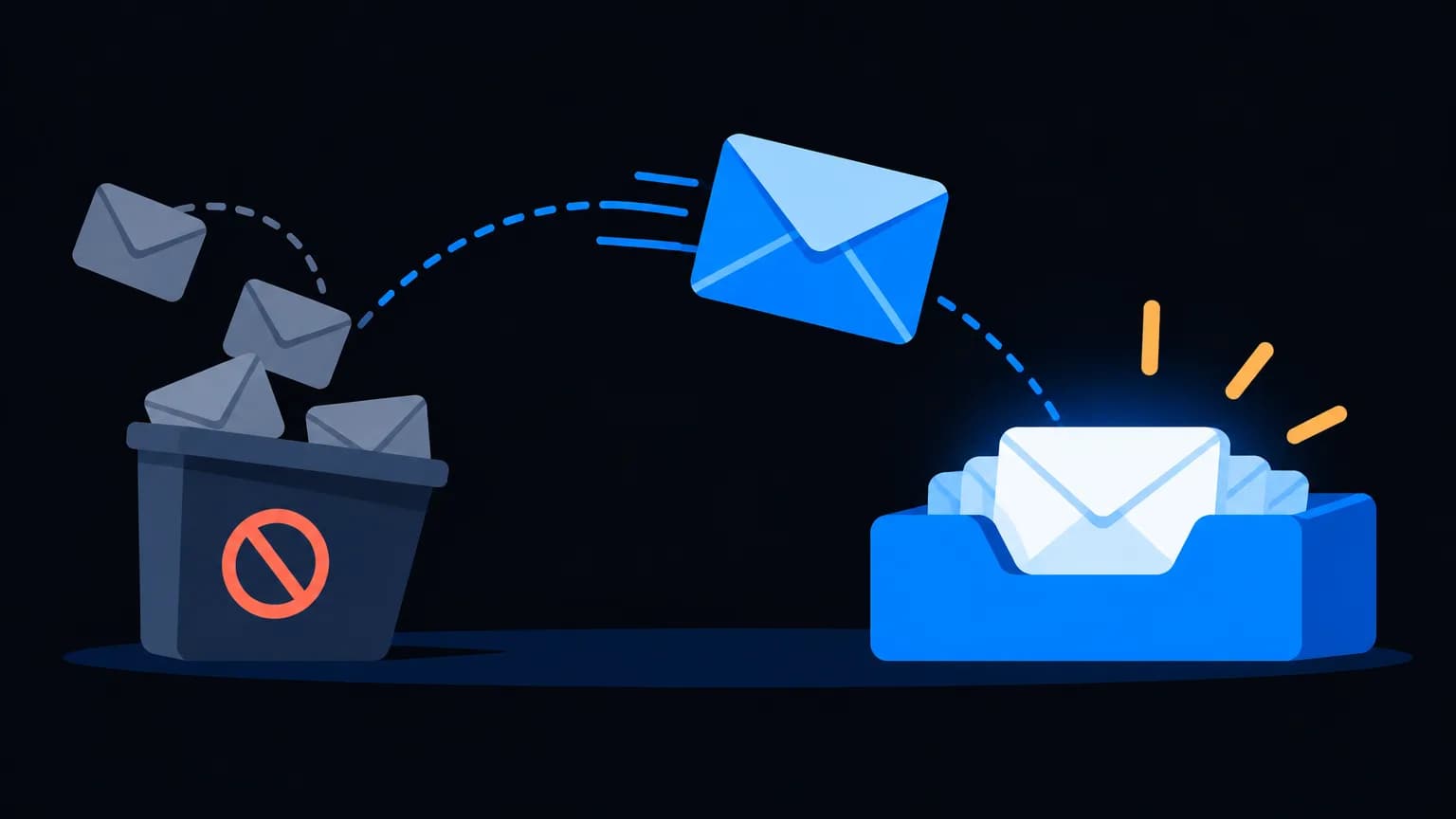
- The email lands in the inbox, promotions or spam, or it bounces
What does "unlimited SMTP" mean in practice?
| Unlimited SMTP means | It doesn't mean |
|---|---|
| Connect any number of SMTP servers | Every provider lets you send without limits |
| Rotate or split sending across servers | You can skip authentication |
| Separate brands or domains in one account | Deliverability is guaranteed |
| No extra charge per SMTP account | Purchased lists are OK |
Why use multiple SMTP servers?
- Separate streams: transactional (receipts) vs marketing (newsletters), so a marketing complaint doesn't hurt receipts
- Multiple brands or domains: agencies and multi-brand businesses keep reputations separate
- Spread volume: stay within each provider's limits
- Resilience: if one server has issues, others keep sending
Setting up an SMTP server the right way
- Use your own domain for the From address
- Add SPF, DKIM and DMARC for each sending service. See the guide
- Warm up new servers and domains gradually
- Monitor bounces and complaints per server
- Validate lists before sending
Common SMTP errors (and what they mean)
| Error | Meaning | Fix |
|---|---|---|
| 550 (mailbox unavailable) | Address doesn't exist or you're blocked | Remove the address; check reputation |
| 421 (try again later) | Rate limiting or temporary issue | Slow down and retry |
| 535 (authentication failed) | Wrong SMTP username or password | Update credentials |
| 554 (transaction failed) | Rejected as spam or policy | Check authentication and content |
How to connect an SMTP server in RapBooster
- Get your SMTP credentials from your provider: host, port (typically 587 with STARTTLS or 465 with SSL), username and password or API key.
- Add the server in RapBooster's SMTP settings and send a test email.
- Set the From name and address on your own domain.
- Confirm authentication: SPF includes the provider and DKIM is enabled for your domain.
- Set sending limits to match your provider's hourly or daily caps.
- Repeat for additional servers, and assign them to campaigns, brands or streams.
Smart ways to use multiple servers
| Strategy | How it works | Benefit |
|---|---|---|
| Stream separation | Server A for receipts, server B for newsletters | Marketing complaints never delay receipts |
| Brand separation | One server and domain per brand | Independent reputations |
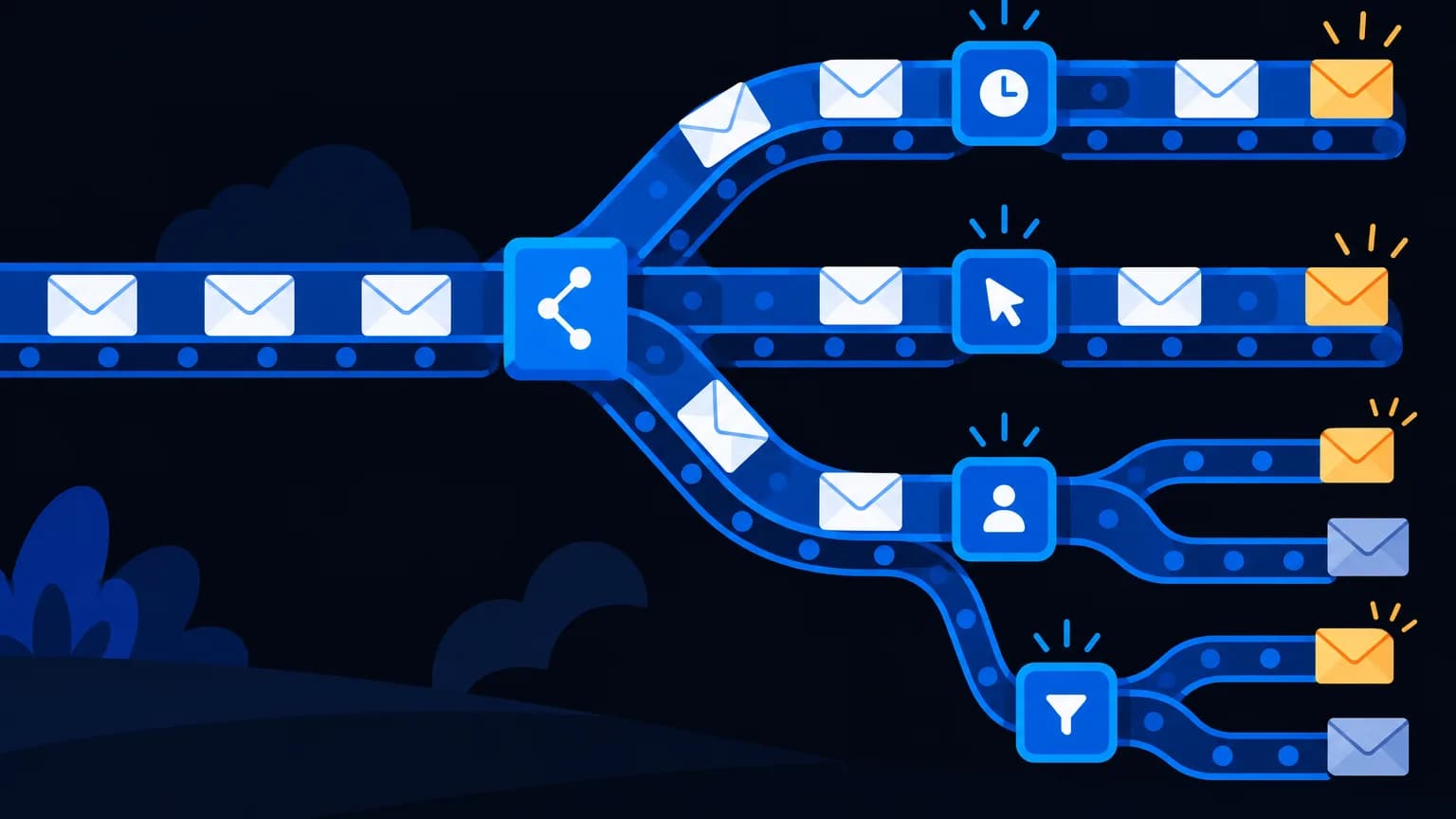
| Load balancing | Rotate campaigns across servers within limits | Faster sending without hitting caps |
| Failover | Backup server if the primary has issues | Campaigns keep flowing |
Choosing an SMTP provider
- Your domain's mail server: fine for low volume, but usually limited for bulk
- Business email (Google Workspace, Zoho Mail): designed for people, not mass campaigns, with strict limits
- Dedicated bulk or transactional SMTP services: built for volume, with dashboards, bounce handling and dedicated IP options
Match the provider to your volume and the type of email you send.
Cost example
A growing brand sends weekly newsletters to 25,000 contacts and daily order emails. It uses RapBooster Email Marketing with two SMTP services, one for newsletters and one for transactional mail, and pays each provider for its actual usage. The platform cost stays flat as the list grows.
The bottom line
SMTP is the engine and RapBooster is the dashboard. Unlimited SMTP gives you flexibility to connect, split and scale sending your way. Pair it with proper authentication and clean lists, and your emails will actually arrive. Try Email Marketing free.
 Questions first? Chat with us on WhatsApp