
 Pricing & How-To
 RapBooster Growth Team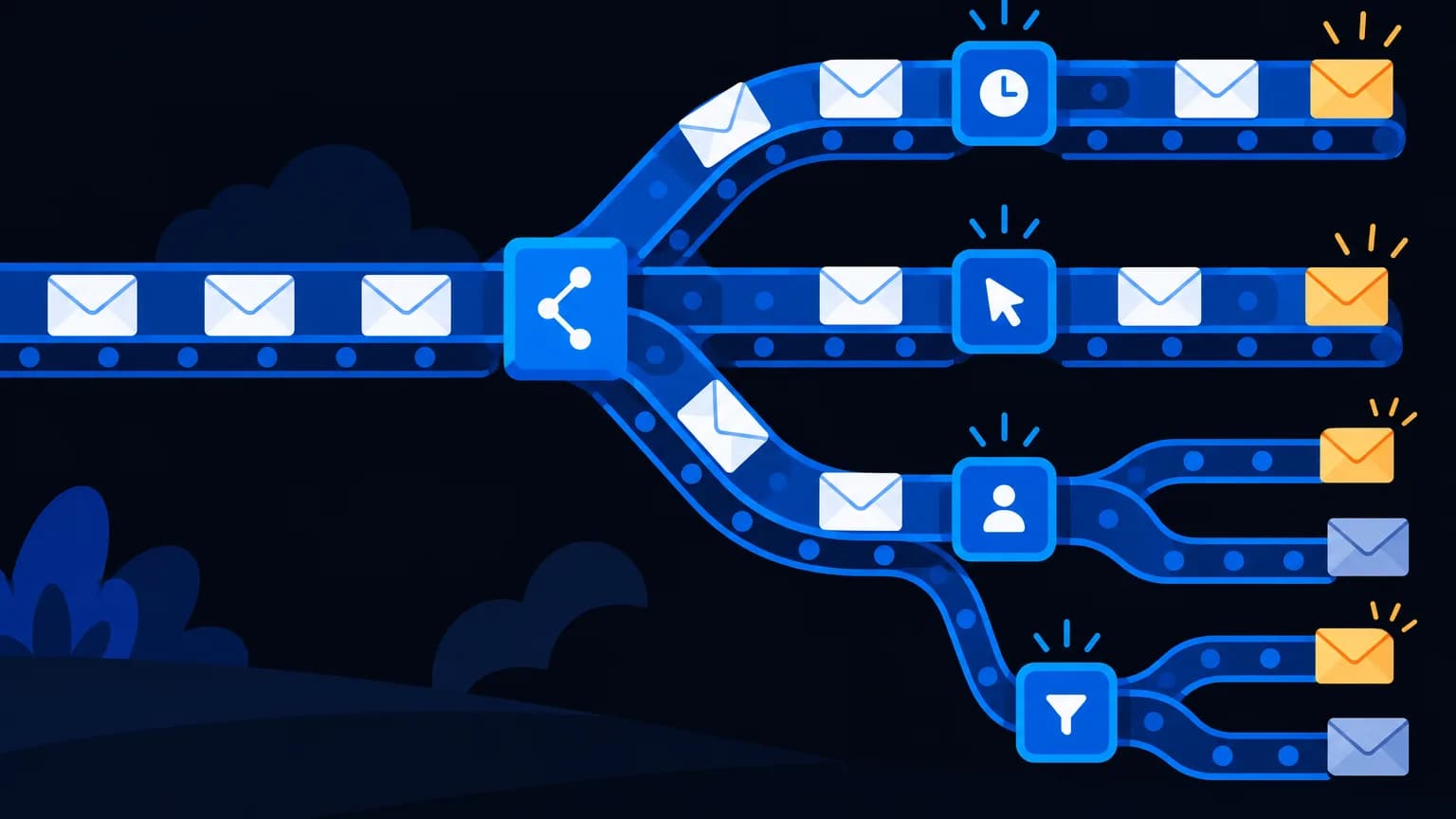
Every small business should run these seven email automations: welcome series, abandoned cart (or lead nurture), post-purchase, re-order reminder, win-back, birthday/anniversary and review request. Each has a trigger (a customer action), timed emails, a goal, and an exit condition so people stop getting emails once they convert.
Anatomy of a workflow
| Part | Example |
|---|---|
| Trigger | Subscribes via website form |
| Delay | Wait 1 day |
| Condition | Has purchased? If yes, exit |
| Action | Send email 2: best sellers |
| Goal | First purchase |
| Exit | Goal reached or unsubscribed |
1. Welcome series (trigger: sign-up)
- Email 1 (instant): welcome, what to expect, first-order perk
- Email 2 (day 2): your story and why you exist
- Email 3 (day 4): best sellers or most useful resources
- Email 4 (day 7): social proof (reviews, results)
- Email 5 (day 10): reminder of the perk, with a deadline
2. Abandoned cart (trigger: cart abandoned)
- 1 hour: reminder with product image
- 24 hours: answer objections (delivery, returns, sizing)
- 48 hours: optional incentive
Pair with WhatsApp for faster recovery. See WhatsApp cart recovery.
3. Lead nurture (trigger: form enquiry, for B2B and services)
- Instant: thank you plus a helpful resource
- Day 2: case study or example
- Day 5: FAQ and objection handling
- Day 8: invitation to a call or demo
- Day 14: "Still exploring?" check-in
4. Post-purchase (trigger: order placed)
- Instant: order confirmation (transactional)
- On delivery: how to use or care for the product
- Day 7: tips, plus a related product
- Day 14: review request
5. Re-order reminder (trigger: time since purchase)
For consumables: send it just before the product typically runs out. "Your 60-day supply of green tea is almost done. Reorder in one click?"
6. Win-back (trigger: no purchase in 60–120 days)
- Email 1: "We miss you". Show what's new
- Email 2: a personal-feeling note plus an incentive
- Email 3: last message; ask for feedback, then move them to a low-frequency segment
7. Birthday or anniversary (trigger: date)
A warm message and a small gift. Collect birthdays with consent at sign-up.
Timing and frequency guardrails
- Don't let automations and campaigns collide on the same day for the same person
- Pause promotional emails while someone's in a cart or nurture flow
- Respect quiet hours and time zones (IST for India, GST for UAE)
How do you measure workflows?
| Workflow | Key metric |
|---|---|
| Welcome | First-purchase rate |
| Cart | Recovery rate, revenue recovered |
| Nurture | Demo or call bookings |
| Post-purchase | Repeat purchase rate, reviews |
| Win-back | Reactivation rate |
Setting up on RapBooster
RapBooster Email Marketing (a plan per connected mailbox, see pricing) includes a visual automation builder, templates, segmentation and unlimited SMTP servers. Add WhatsApp steps if you also use RapBooster WhatsApp. Try it free.
Sample copy for the welcome series
Email 1: instant welcome
Subject: Welcome to Chai Theory ☕ Here's 10% off Hi Priya, thanks for joining us! We blend small-batch teas from Assam and Darjeeling. Use CHAI10 for 10% off your first order. P.S. Reply to this email any time. A real human reads it.
Email 2: story (day 2)
Subject: Why we started with one kettle A short founder story, your promise (freshness, fair sourcing) and a photo of your team or process.
Email 3: best sellers (day 4)
Subject: The 3 blends customers reorder most Three products, one line each, one button to shop.
Email 4: proof (day 7)
Subject: "Best masala chai I've had outside home" Two or three real reviews (with permission) and a link to all reviews.
Email 5: nudge (day 10)
Subject: Your 10% off ends Sunday A friendly reminder with the code and one hero product.
Workflow building blocks in RapBooster
| Block | Examples |
|---|---|
| Triggers | Form submitted, tag added, purchase made, date reached, link clicked |
| Waits | Fixed delay, wait until a day or time, wait for an event |
| Conditions | Has purchased, opened email, in segment, country |
| Actions | Send email, add or remove tag, notify the team, move to another workflow |
| Exits | Goal met, unsubscribed, manually removed |
Common automation mistakes
- No exit conditions, so buyers keep getting "Still thinking?" emails
- Overlapping workflows that send three emails in one day
- Set-and-forget: links break, offers expire and products go out of stock
- Too much, too soon: new subscribers get 5 emails in 48 hours
- No measurement, so you never know which workflow earns money
Review every workflow quarterly: check links, offers, timing and results.
The bottom line
Automation is the closest thing to a marketer who never sleeps. Set up welcome, cart or nurture, and post-purchase first, measure the goal metric, then add the rest. Build once, then improve monthly.
 Questions first? Chat with us on WhatsApp