
Changelog
What’s new in RapBooster.
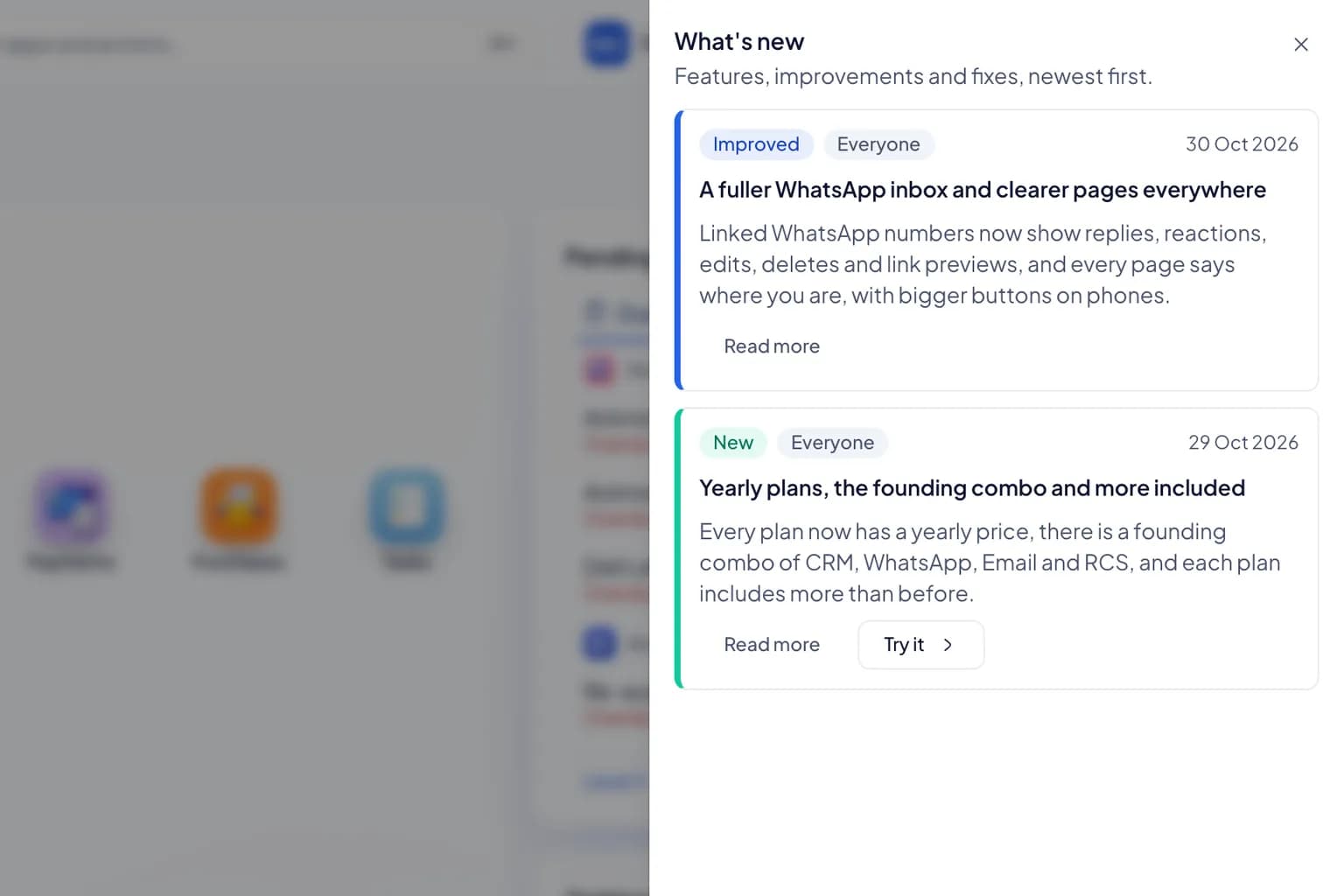
Every new feature, improvement and fix gets an entry. Customers see each one in the What's new panel inside the product, with a button to try it.
A 14-day free trial on every plan. No card needed.
Where to find it
The changelog lives inside the product.
Entries are written for the people using RapBooster, so they are shown where you work, next to the apps they change.
- 1
 In the top bar
Open What's new from the top bar in any workspace. A dot shows when something arrived since you last looked.
- 2
 New, improved, fixed
Every entry says what changed, which apps it concerns and, where it helps, a Try it button that opens the feature.
- 3
 A monthly round-up
Owners and admins get one email a month with that month's entries, and can switch it off in their notification settings.
See what shipped lately, in your own workspace.
Every plan has a 14-day free trial and no card is needed. What's new is in the top bar from day one.
Questions first? Chat with us on WhatsApp Questions first? Chat with us on WhatsApp