
 Pricing & How-To
 RapBooster Growth Team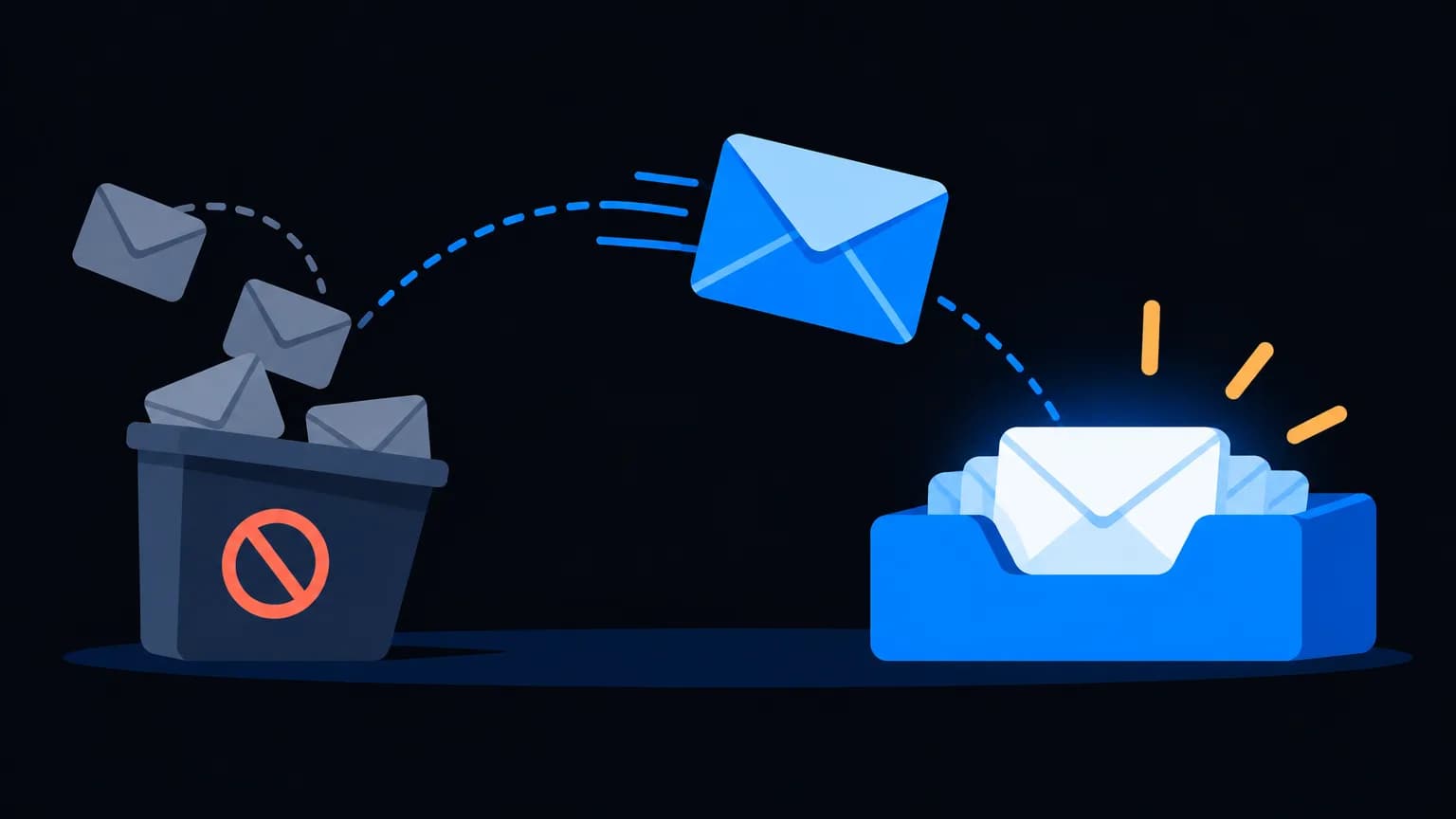
Email deliverability in 2026 comes down to four things: authenticate your domain (SPF, DKIM and DMARC), send only to clean, opted-in lists, protect your sender reputation with steady volumes and low complaints, and write emails people want to open. Gmail and Yahoo now enforce these for bulk senders, so skipping them means spam folders.
Why deliverability got stricter
In 2024, Gmail and Yahoo introduced bulk sender requirements: authentication, one-click unsubscribe and low spam rates. Mailbox providers also got better at filtering based on engagement. Good senders benefit; lazy senders disappear. See what changed.
Pillar 1: Authentication
Mailbox providers want proof you're allowed to send from your domain.
| Record | What it proves | Required? |
|---|---|---|
| SPF | Which servers can send for your domain | Yes |
| DKIM | The email wasn't altered and is signed by your domain | Yes |
| DMARC | What to do if SPF/DKIM fail, plus reporting | Yes for bulk senders |
Copy-paste examples are in SPF, DKIM & DMARC explained.
Pillar 2: List quality
Your list is your reputation. Protect it:
- Never buy lists. They're full of spam traps and people who'll mark you as spam.
- Use double opt-in for sign-ups where possible.
- Validate before big sends. See how to clean your email list.
- Sunset inactive subscribers who haven't opened in 6–12 months.
Pillar 3: Sender reputation
Reputation is how providers score your domain and IP based on behaviour.
- Warm up new domains and IPs: start small and grow volume over a few weeks.
- Keep volume steady: sudden 10× spikes look like compromised accounts.
- Watch bounces: hard bounces should stay low.
- Watch complaints: well under 0.1%, and never near 0.3%.
- Use Google Postmaster Tools to see your domain reputation at Gmail.
Pillar 4: Content and engagement
Filters read behaviour more than keywords, but content still matters.
Do:
- Send from a real name and a consistent address
- Write subject lines that match the content (see 25 subject lines)
- Balance images and text; include alt text
- Link to your own domain
- Make the unsubscribe easy (one-click for bulk mail)
Don't:
- Use URL shorteners from spammy domains
- Write ALL CAPS, "FREE!!!" or misleading "Re:" subjects
- Send one giant image with no text
- Hide the unsubscribe link
How do you monitor deliverability?
| Signal | Healthy | Worry |
|---|---|---|
| Hard bounce rate | Very low | Rising after list imports |
| Spam complaints | Under 0.1% | Approaching 0.3% |
| Open rate trend | Stable or rising | Sudden drop (possible spam placement) |
| Postmaster domain reputation | High / Medium | Low / Bad |
| DMARC reports | Only your services sending | Unknown senders using your domain |
The deliverability rescue plan
If you've landed in spam:
- Pause big campaigns
- Fix authentication (SPF, DKIM, DMARC)
- Clean the list and suppress inactive contacts
- Send only to your most engaged segment for 2–3 weeks
- Gradually re-add wider segments while watching complaints
Tools and costs
RapBooster Email Marketing is priced per connected mailbox (see pricing), with unlimited SMTP servers, templates, automation and a cloud dashboard.
A 30-day warm-up schedule for a new domain
If you're sending from a brand-new domain or SMTP server, ramp up gradually. An illustrative schedule (adjust it to your list size and engagement):
| Days | Daily volume | Who to send to |
|---|---|---|
| 1–3 | A small batch | Your most engaged contacts (recent openers and buyers) |
| 4–7 | Roughly double | Engaged contacts from the last 30–60 days |
| 8–14 | Keep increasing steadily | Add contacts engaged in the last 90 days |
| 15–21 | Continue the ramp | Broader active segments |
| 22–30 | Approach normal volume | Full active list, excluding long-inactive contacts |
Watch bounces and complaints daily. If either spikes, hold volume steady for a few days before increasing again.
Deliverability myths, busted
- "Avoiding the word FREE keeps me out of spam." Modern filters weigh reputation and engagement far more than single words.
- "A bigger list means more sales." A bigger dead list means worse placement for everyone.
- "Once authenticated, I'm done." Authentication is the entry ticket; behaviour decides placement.
- "Images always hurt." Images are fine with real text, alt text and a sensible balance.
- "Transactional emails don't need care." They share your domain's reputation. Protect them by separating streams.
Monthly deliverability checklist
- Check Google Postmaster Tools for domain reputation and spam rate
- Review DMARC reports for unknown senders
- Remove hard bounces and suppress complainers
- Re-engage or sunset inactive subscribers
- Test a campaign with seed inboxes (Gmail, Outlook, Yahoo)
- Review the top-performing and worst-performing subject lines
The bottom line
Deliverability isn't a trick; it's hygiene. Authenticate, clean, warm up, send relevant emails and monitor. Do that consistently and the inbox is where you'll live.
 Questions first? Chat with us on WhatsApp