
 Pricing & How-To
 RapBooster Growth Team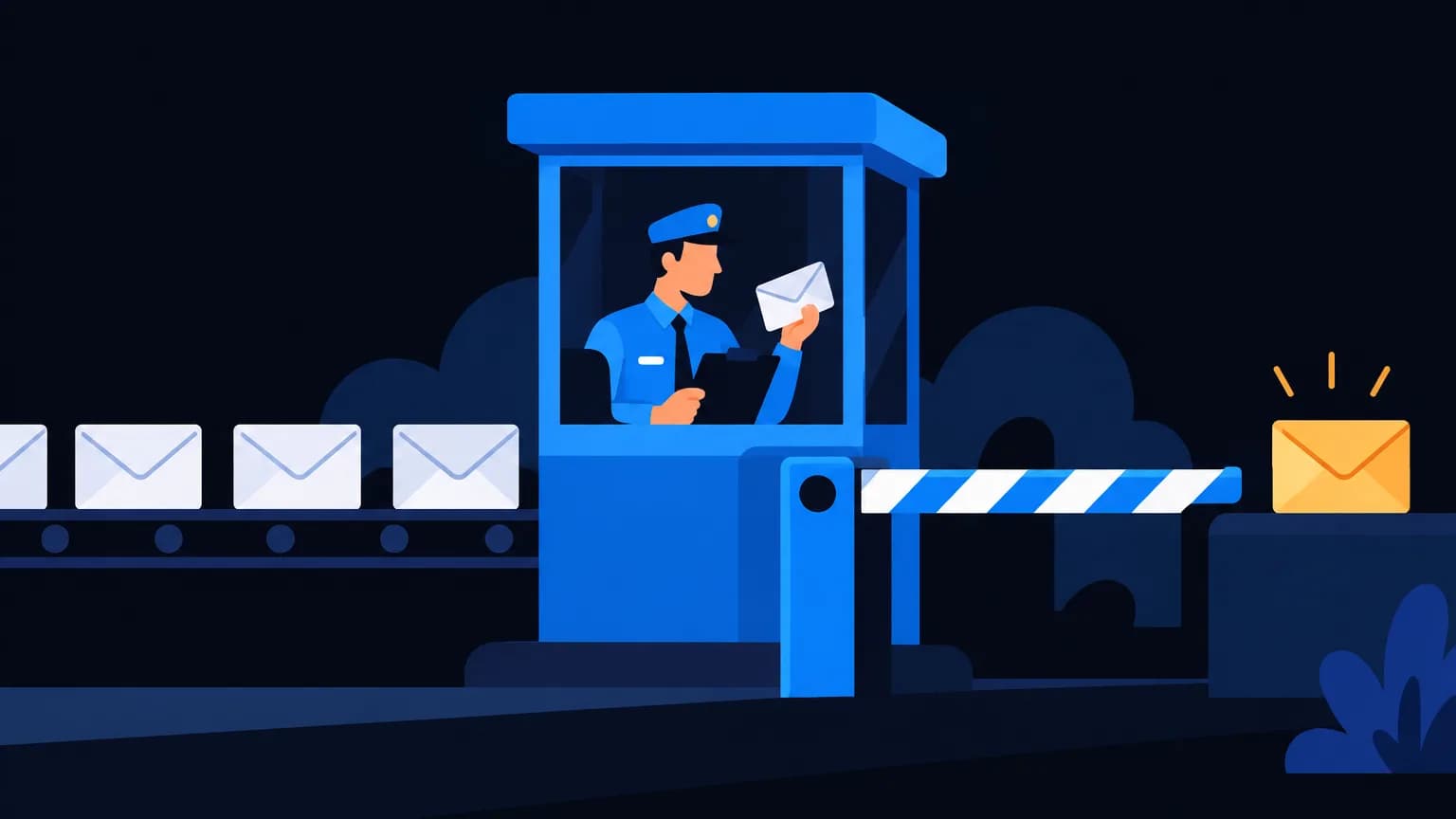
Gmail and Yahoo's bulk sender rules (enforced since 2024) require you to authenticate with SPF, DKIM and DMARC, align your From domain, offer one-click unsubscribe on marketing emails and honour it within two days, and keep spam complaints low (under 0.1% ideally, never reaching 0.3%). Miss these and your emails get filtered or rejected.
What exactly is required?
| Requirement | What it means | How to comply |
|---|---|---|
| SPF and DKIM | Prove you're allowed to send | Publish both records for your sending domain |
| DMARC | Policy for failed authentication | At least p=none with alignment |
| Alignment | From domain matches SPF or DKIM domain | Send as [email protected] via properly set-up SMTP |
| One-click unsubscribe | List-Unsubscribe headers (RFC 8058) | Your email tool adds the headers |
| Honour opt-outs fast | Within 2 days | Automatic suppression |
| Low spam rate | Well under 0.3% | Clean lists, relevant content |
| Valid DNS | Forward and reverse DNS for sending IPs | Handled by reputable SMTP providers |
| TLS | Encrypted transmission | Standard on modern SMTP |
Who's affected?
Formally, senders of large daily volumes to Gmail addresses (Google uses around 5,000 a day as the bulk threshold). Practically, everyone benefits from following these rules, because filters reward the same behaviour.
Your compliance checklist
- Use your own domain to send, never a free Gmail or Yahoo address for campaigns.
- Set up SPF, DKIM and DMARC. See our copy-paste guide.
- Check alignment: the visible From domain must match the DKIM or SPF domain.
- Enable one-click unsubscribe in your email tool.
- Process unsubscribes automatically and suppress those addresses.
- Monitor spam rates in Google Postmaster Tools.
- Clean lists before big sends. See email list cleaning.
What happens if you don't comply?
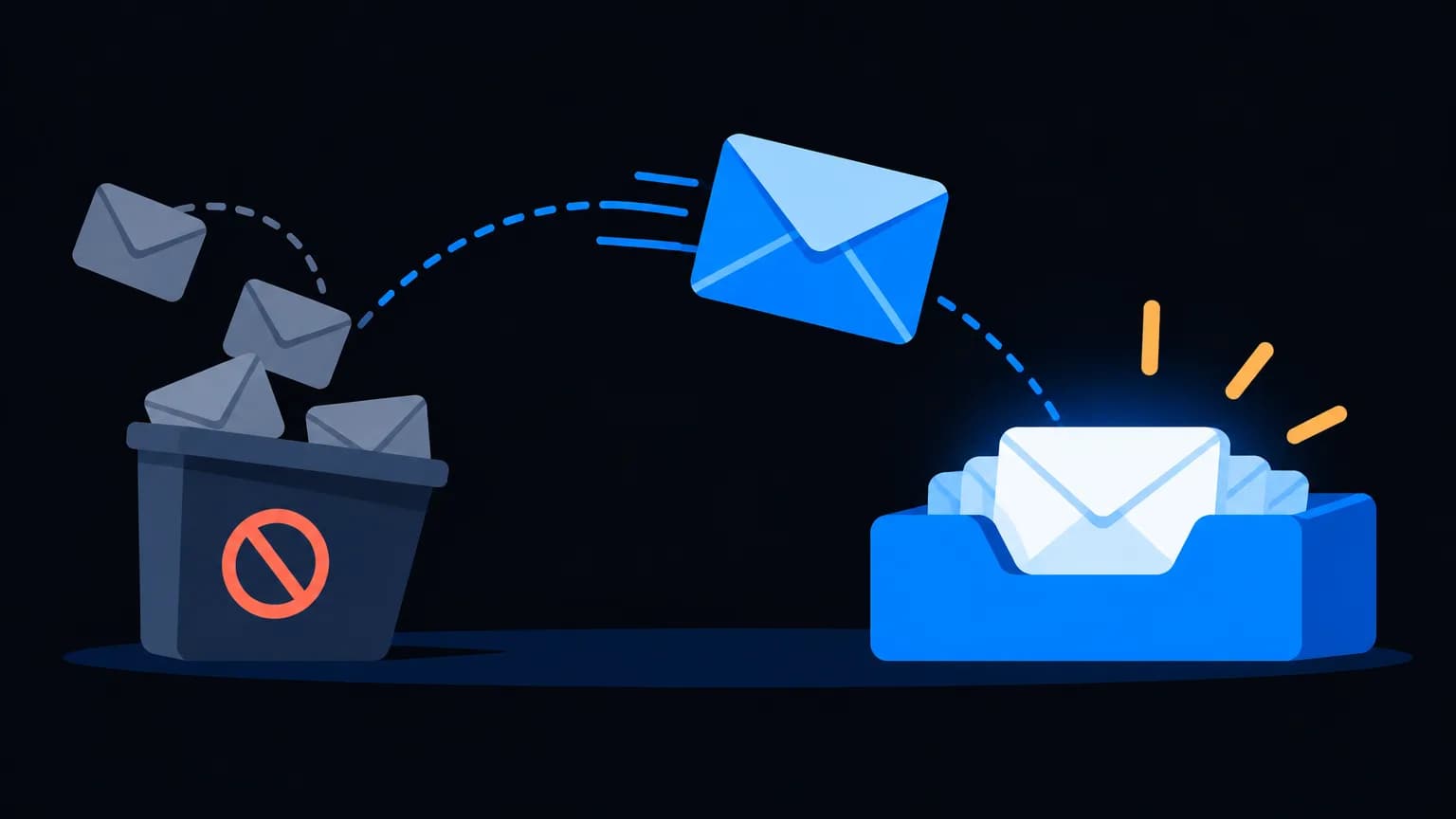
- More emails land in spam or promotions
- Temporary deferrals (emails delayed)
- Outright rejections with error codes pointing to authentication or spam-rate issues
- Long-term domain reputation damage that's slow to fix
How do you reduce spam complaints?
- Send only to people who opted in, recently
- Set expectations at sign-up (what you'll send, how often)
- Put the unsubscribe link somewhere easy to find, not hidden in tiny grey text
- Segment: send offers to people who want them
- Sunset inactive contacts after 6–12 months
Does this apply to transactional email?
Authentication and alignment apply to all mail. One-click unsubscribe is required for marketing and promotional messages; pure transactional emails like receipts and password resets don't need it, but they still benefit from clean authentication.
How does RapBooster help?
RapBooster Email (priced per connected mailbox, see pricing) supports:
- Unlimited SMTP servers you connect and authenticate
- Unsubscribe handling and suppression lists
- Analytics to watch bounces and engagement
See the full deliverability guide.
Step-by-step: getting compliant this week
Day 1: audit
- List every service sending email as your domain
- Check existing SPF, DKIM and DMARC records with a DNS lookup tool
- Send a test to Gmail and view "Show original" for authentication results
Day 2: authenticate
- Merge SPF into a single record
- Enable DKIM in each sending service
- Publish DMARC at
p=nonewith a reporting address
Day 3: unsubscribe
- Confirm your email tool adds List-Unsubscribe headers with one-click support
- Make the visible unsubscribe link clear in every marketing email
- Test that unsubscribes are processed and suppressed automatically
Day 4: list and reputation
- Validate your list and remove invalid addresses
- Suppress contacts inactive for 12+ months
- Set up Google Postmaster Tools for your domain
Day 5 onwards: monitor
- Track spam rate, bounces and domain reputation weekly
- Move DMARC towards enforcement once reports are clean
Frequently asked edge cases
We send fewer than 5,000 emails a day. Can we ignore this? Formally the strict requirements target bulk senders, but the same signals drive filtering for everyone. Follow them anyway.
We use a third-party newsletter tool with its own domain. Configure it to sign DKIM with your domain, so your From address aligns. Otherwise DMARC can fail.
Our spam rate spiked after one campaign. Pause similar sends, review the audience and content, and send only to highly engaged contacts for a while.
Do Indian mailbox providers follow these rules? Many Indian users are on Gmail, Outlook and Yahoo, so these rules affect most of your list regardless of where your business is.
The bottom line
The bulk sender rules just formalise good behaviour: prove who you are, make leaving easy, and don't annoy people. Tick the checklist once, monitor monthly, and your emails keep landing where they should.
 Questions first? Chat with us on WhatsApp