
 Pricing & How-To
 RapBooster Growth Team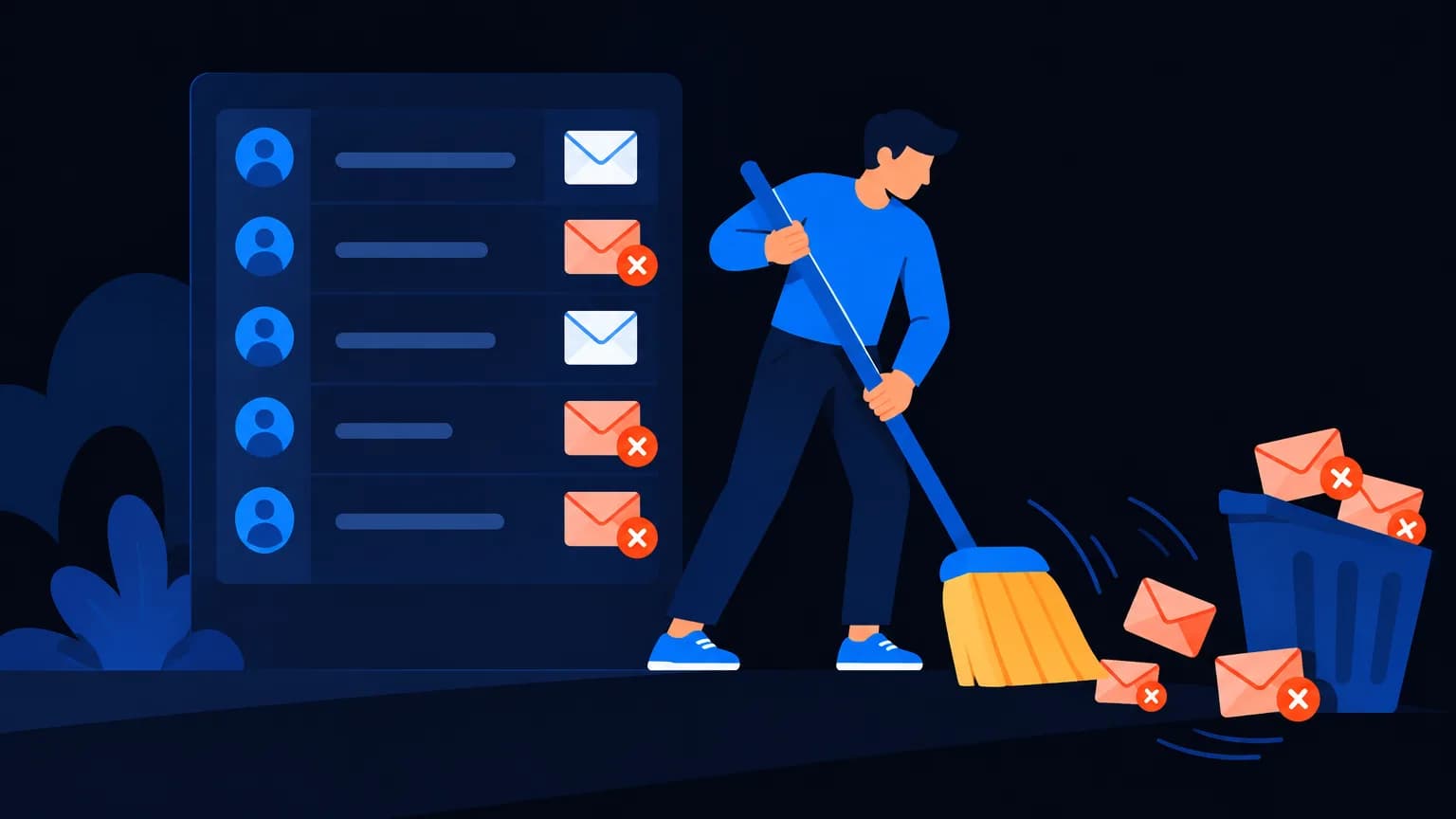
To clean an email list: validate every address (syntax, domain, mailbox), remove hard bounces and known bad addresses, suppress unsubscribes and complainers, then re-engage and sunset inactive subscribers (no opens in 6–12 months). It protects your sender reputation, lifts inbox placement and stops you paying to email people who'll never read it.
Why does a dirty list cost you?
- Bounces signal a poorly maintained list, and providers lower your reputation
- Spam traps (old or planted addresses) can get your domain blocklisted
- Complaints from people who forgot they signed up push you toward the spam folder
- Inactive subscribers drag down engagement, which filters read as "unwanted mail"
The result: even your loyal customers stop seeing your emails.
Step 1: Validate addresses
A validator checks:
| Check | Catches |
|---|---|
| Syntax | Typos like [email protected] |
| Domain / MX | Domains that don't accept mail |
| Mailbox | Non-existent users (where checkable) |
| Disposable | Throwaway addresses |
| Role accounts | info@, admin@ (often low engagement) |
Run every imported list through an email validator before sending.
Step 2: Remove hard bounces immediately
A hard bounce means the address doesn't exist. Remove it after the first bounce. Soft bounces (a full mailbox, a temporary issue) can be retried a few times before removal.
Step 3: Suppress unsubscribes and complainers forever
Keep a suppression list so these contacts are never re-imported by accident from an old spreadsheet.
Step 4: Find the inactive subscribers
Segment people with no opens or clicks in 6–12 months. (Apple Mail privacy features can inflate opens, so look at clicks too.)
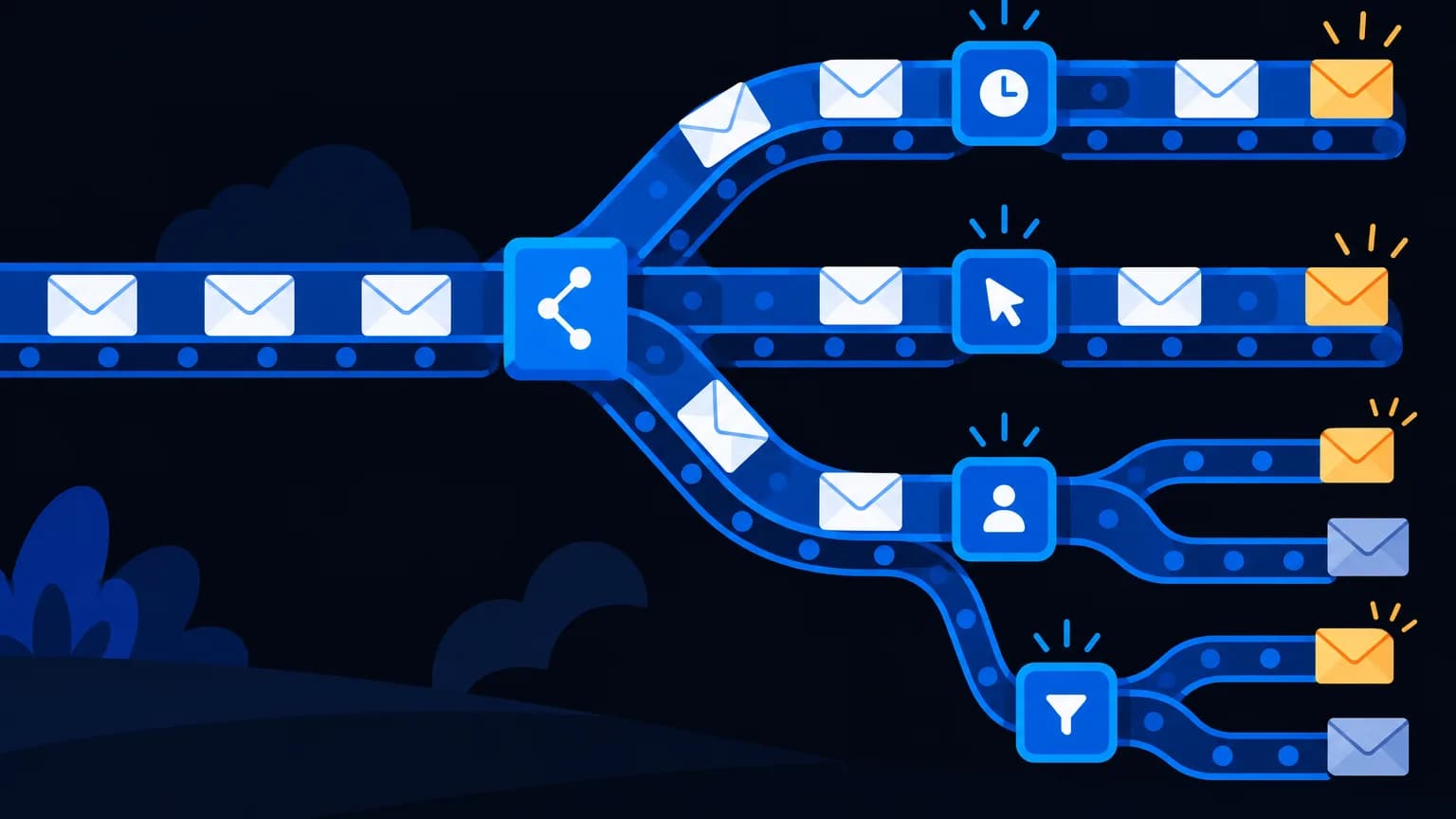
Step 5: Run a re-engagement campaign
Two or three emails over a few weeks:
- "Still want to hear from us?" with a clear yes button
- Your best content or offer
- "Last chance. We'll remove you to respect your inbox"
Keep whoever engages. Remove the rest.
Step 6: Prevent future mess
- Double opt-in for new sign-ups
- Real-time validation on forms
- No purchased lists, ever
- Preference centre so people can choose frequency instead of unsubscribing
A quick maths example
Say you have 50,000 contacts and 40% haven't engaged in a year. Removing 20,000 dead addresses:
- Improves engagement rates, which filters reward
- Reduces bounce and trap risk
- Makes your analytics honest
On RapBooster Email Marketing (a plan per connected mailbox, not per contact), cleaning isn't about per-contact fees; it's about getting your emails into the inbox. Learn more in the deliverability guide.
Special cases worth handling
Role addresses (info@, sales@, admin@). They often reach shared inboxes with low engagement. Keep them only if they're genuinely engaged, and never add them from scraped lists.
Typos at sign-up. Common domain typos (gmial.com, yaho.com) can be caught with real-time validation and "Did you mean…?" suggestions on forms.
Catch-all domains. Some company domains accept every address, so validators can't confirm individual mailboxes. Send to them cautiously and watch bounces.
Old trade-show and event lists. These are notorious for spam traps and complaints. Validate first, then send a permission-check email before adding them to regular campaigns.
Merged lists after an acquisition or CRM migration. Deduplicate, validate and re-confirm consent before mailing.
Your quarterly list-hygiene workflow
- Export contacts with last-open and last-click dates
- Run the export through an email validator
- Remove invalid, disposable and hard-bounced addresses
- Segment contacts with no engagement in 6–12 months
- Send the 3-email re-engagement series
- Suppress non-responders
- Document the counts before and after, for your records
What results should you expect?
Cleaning usually shrinks the list, but engagement rates (opens, clicks, replies) rise because they're calculated on people who actually care. Over the following weeks, inbox placement tends to improve as mailbox providers see more positive engagement and fewer bounces. The exact impact depends on how dirty the list was.
Beyond email
The same logic applies to WhatsApp and SMS lists: remove numbers that aren't on WhatsApp or are invalid, honour opt-outs immediately, and stop messaging people who never engage. Clean data makes every channel cheaper and more effective.
Quick answers to common worries
"Won't a smaller list mean fewer sales?" Rarely. The people you remove weren't opening or buying. Your sales come from engaged subscribers, and those are exactly the people whose inbox placement improves.
"What if someone I removed wanted my emails?" The re-engagement series gives everyone a clear chance to stay. Anyone who clicks "Yes, keep me" stays, and anyone can re-subscribe later through your website.
"How do I prove cleaning worked?" Compare bounce rate, spam complaints, click rate and revenue per email for the four weeks before and after. Those numbers tell the story better than list size.
The bottom line
A clean list is a quiet superpower. Validate, prune bounces, suppress opt-outs, re-engage the sleepers and let go of the rest. Your open rates, inbox placement and sanity will all improve.
 Questions first? Chat with us on WhatsApp