
 Pricing & How-To
 RapBooster Growth Team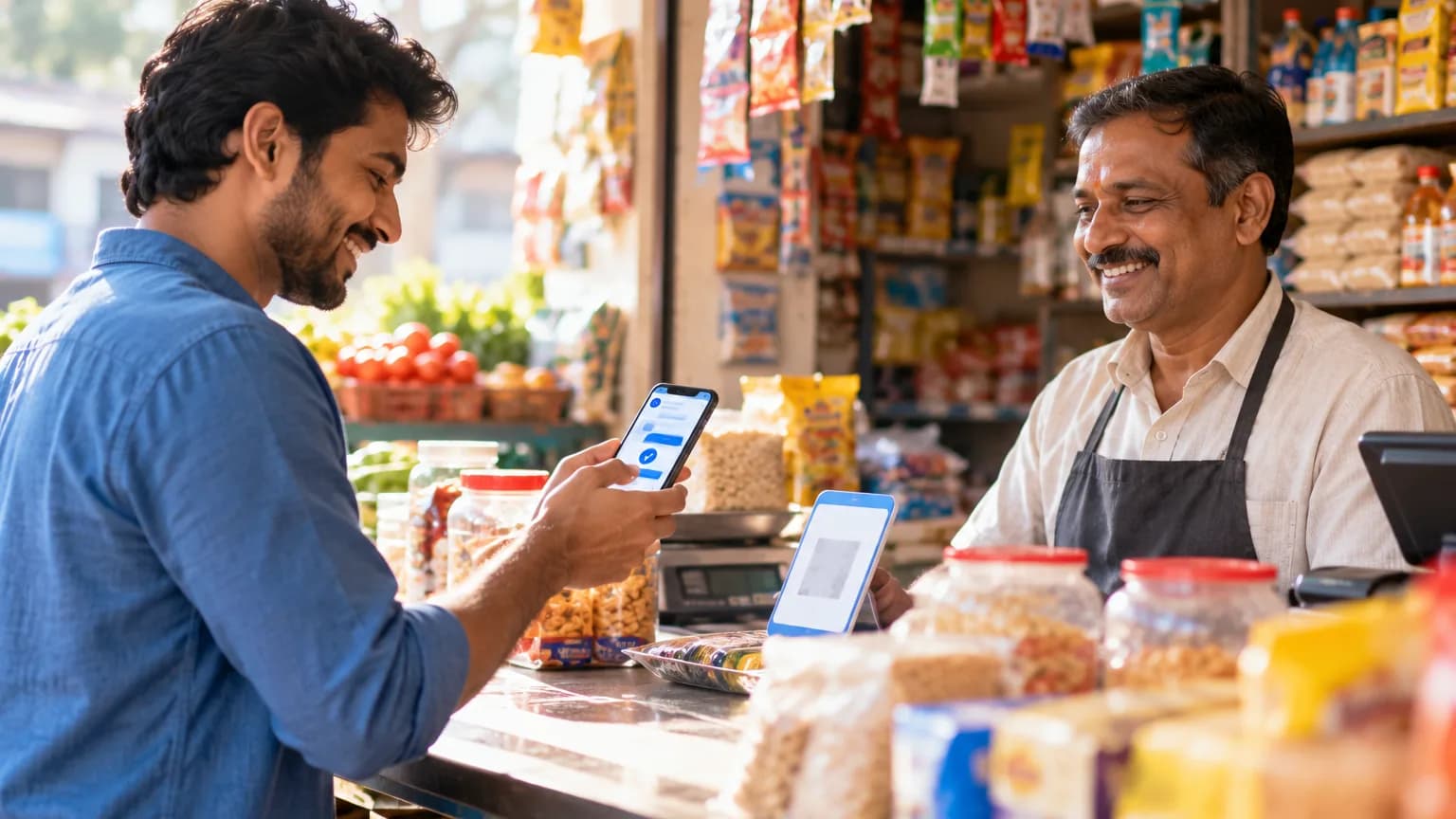
In India, businesses on the WhatsApp Business API can collect money inside the chat by sending a payment request or payment link that customers complete with UPI or cards through a regulated gateway such as Razorpay. Once paid, an automatic confirmation goes back to the customer and the order status updates in your system. No website checkout needed.
Why take payments in WhatsApp?
- Fewer drop-offs: every redirect loses buyers. Paying in the same thread is one tap.
- Faster collections: send a reminder in the chat where the customer already agreed to buy.
- Great for quotes: services, custom orders and B2B deals where there's no fixed cart.
- COD to prepaid: nudge cash-on-delivery customers to prepay with a small incentive.
What are the ways to collect payment?
| Method | How it works | Best for |
|---|---|---|
| In-chat payment request | Customer sees an order summary and pays via UPI/cards without leaving WhatsApp | Catalogue orders, repeat buys |
| Payment link | A Razorpay (or similar) link sent in chat | Quotes, services, invoices |
| UPI ID or QR | Share a UPI QR | Tiny shops (manual reconciliation, not scalable) |
For anything beyond a handful of orders a day, use payment requests or links. Manual UPI screenshots are a reconciliation nightmare.
How do you set it up on RapBooster?
- Connect your gateway (Razorpay) in the integrations section.
- Design the order summary: items, GST, delivery charge, total.
- Trigger the payment request from a catalogue cart, a chatbot quote or manually from the team inbox.
- Automate confirmation: a "Payment received ✅" utility template with the order ID.
- Sync status to your CRM, Google Sheets or store via webhooks.
- Remind politely: if unpaid after a few hours, send one reminder, not five.
What does a smooth payment message look like?
Order #2231: Glow Beauty Vitamin C Serum × 1: ₹899 Sunscreen SPF 50 × 1: ₹549 Delivery: Free Total: ₹1,448 (incl. GST) [Pay now]
Clear items, clear total, one button.
How do you build trust?
- Use your verified business name and logo on your WhatsApp profile
- Show GST-inclusive totals and send a proper receipt
- Never ask for card numbers, OTPs or UPI PINs in chat
- Offer a "talk to a human" option before payment
Which businesses benefit most?
- Coaching and education: fee reminders and instalments
- Clinics: consultation fees and booking deposits
- D2C and retail: catalogue orders and COD-to-prepaid conversion
- Services: quotes for design, repairs and events
- B2B: distributor order payments
What does it cost?
Payment gateway fees are charged by the gateway (usually a small percentage per transaction). The WhatsApp messages around payments (confirmations, receipts) are utility messages: low cost (about ₹0.12 each in India), charged even inside an open service window from 1 Oct 2026. Payments are part of RapBooster WhatsApp Marketing (a plan per number, see pricing), with a free trial.
Use cases with example flows
Coaching fee instalments
- A utility reminder three days before the due date: "Hi Aarav's parent, the second instalment of ₹12,000 is due on 10 October."
- A [Pay now] button opens the payment request.
- On success, an automatic receipt with the instalment number and balance goes out.
- If unpaid on the due date, one polite reminder follows, then the chat is flagged for the accounts team.
Converting COD to prepaid
- The order is placed as COD.
- A WhatsApp confirmation offers a small benefit for paying now (for example free delivery).
- The customer pays in chat, and the order is marked prepaid in your store.
- Result: fewer failed deliveries and faster cash flow.
Service quotes
- The customer requests a quote in chat.
- Your team sends a quote summary plus a payment link for the advance.
- The advance is received, the job is scheduled automatically, and a confirmation is sent.
Reconciliation made easy
Manual UPI screenshots lead to mismatches and awkward follow-ups. With a connected gateway:
- Each payment carries an order or reference ID
- Payment status syncs to your CRM, store or Google Sheet via webhooks
- Failed or pending payments trigger a helpful nudge, not a manual chase
- Finance teams see one clean report instead of screenshots
Mistakes to avoid
| Mistake | Better approach |
|---|---|
| Sharing personal UPI IDs | Use your business gateway |
| Sending five reminders a day | One reminder, then a human follow-up |
| No receipt after payment | Automatic receipt with GST details |
| Asking for card details in chat | Never; always use secure payment pages |
| Unclear totals | Itemised summary with delivery and taxes |
The bottom line
WhatsApp payments turn "I'll pay later" into "done". Use official payment requests or gateway links, show clear totals, automate confirmations and sync the status to your systems. Your cash flow speeds up and customers never leave the chat.
 Questions first? Chat with us on WhatsApp