
 Pricing & How-To
 RapBooster Growth Team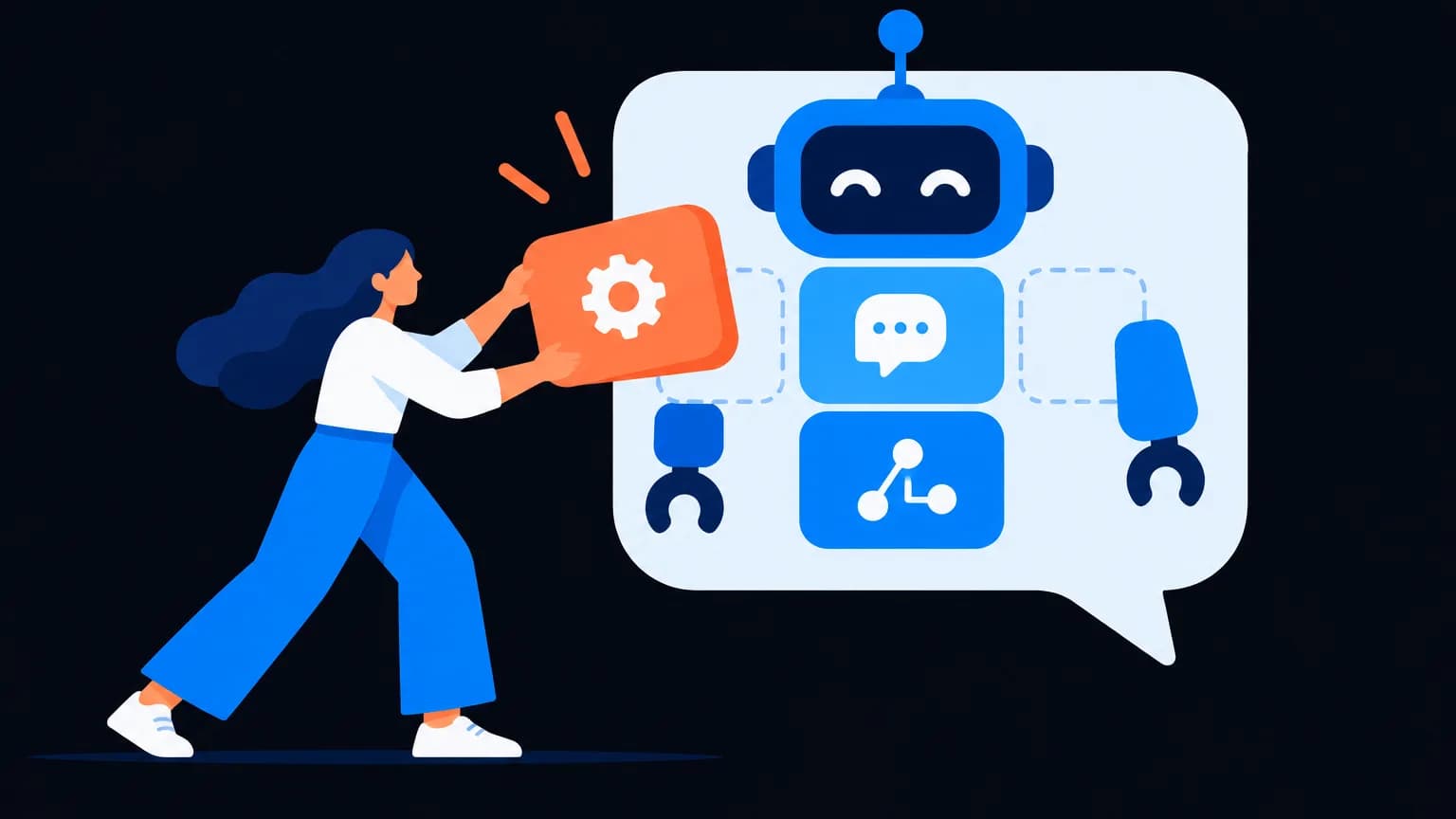
You can build a WhatsApp chatbot without code in five steps: list your top customer questions, design a simple menu with buttons, add AI answers for open-ended questions, set a "talk to a human" handoff, then test and measure. It runs on the WhatsApp Business API, and its replies inside the 24-hour service window use 1,000 free service messages per number each month, then the utility rate.
What should your chatbot actually do?
Before touching a builder, open your WhatsApp chats and count. What do people ask again and again? For most businesses, the top 10 questions cover most of the volume:
- Prices and plans
- Timings and location
- Order status
- Booking or appointment
- Returns and refunds
- "Is this in stock?"
- Payment options
- Talk to someone
That list is your chatbot. Anything beyond it can wait for version two.
Step 1: Design the welcome menu
Keep the first message short and give three to five options as buttons or a list:
Hey 👋 Welcome to FitZone Gym! What can we help with? [See plans] [Book a free trial] [Timings & location] [Talk to our team]
Buttons beat typing. People tap; they don't want to write essays to a bot.
Step 2: Build each branch
For every option, decide the answer and the next step:
| Option | Bot answer | Next step |
|---|---|---|
| See plans | Short plan list with prices | Button: "Book a free trial" |
| Book a free trial | WhatsApp Flow form (name, date, time) | Confirmation + calendar reminder |
| Timings & location | Hours + Google Maps link | Button: "Get directions" |
| Talk to our team | "Connecting you now" | Route to the shared team inbox |
Every branch should end with an action, not a dead end.
Step 3: Add AI for the messy questions
Menus handle predictable paths. Real customers also type things like "do u have parking and is sunday open??". An AI layer trained on your FAQs, price list and policies answers those naturally. On RapBooster, the AI chatbot:
- Answers from your own content, so it doesn't invent policies
- Replies in the customer's language (English, Hindi, Hinglish and more)
- Hands off to a human when it isn't confident
Guardrail tip: tell the bot what it must never do: promise refunds, quote custom prices or give medical or legal advice.
Step 4: Set up the human handoff
A chatbot that traps people is worse than no chatbot. Add a "Talk to a human" option on every screen and route those chats to a shared team inbox with:
- Assignment rules (sales vs support)
- An auto-message outside business hours: "Our team is back at 10 am, and we'll reply first thing"
- Chat history visible to the agent, so customers don't repeat themselves
Step 5: Collect data with Flows and forms
WhatsApp Flows let you collect structured info inside the chat: booking dates, lead details, feedback. Leads flow straight into your CRM or Google Sheets. See WhatsApp Flows explained.
Step 6: Test like a customer
Before going live:
- Try every button on a real phone
- Type typos, slang and emoji and check how the AI copes
- Test after business hours
- Ask a friend to break it
What should you measure after launch?
| Metric | What it tells you |
|---|---|
| Containment rate | % of chats solved without a human |
| Handoff rate | Where the bot falls short |
| Drop-off point | Which step confuses people |
| Leads or bookings captured | The actual business outcome |
| Response time | How fast customers get answers |
Review weekly for the first month. Add answers for new frequent questions.
How much does it cost?
The chatbot comes with RapBooster's WhatsApp plans. The AI chatbot is part of WhatsApp Marketing (a plan per number, see the pricing page), and there's a free trial. Because customers message first, most bot replies are service messages: 1,000 free a month, then about ₹0.12 each in India.
Sample chatbot scripts by industry
Restaurant
Hi! 🍕 Welcome to Slice Society. What would you like? [See menu] [Order for delivery] [Book a table] [Talk to us]
The "Book a table" option opens a Flow for date, time and party size, then sends a confirmation.
Real estate
Hello! Thanks for your interest in Green Meadows. What are you looking for? [2BHK] [3BHK] [Price list] [Book a site visit]
After the choice, the bot asks budget and timeline with buttons, shares the brochure, and routes hot leads to a site agent.
Coaching institute
Hey! 👋 Welcome to Ascend Academy. How can we help? [Course details] [Fees & batches] [Free demo class] [Talk to a counsellor]
The AI layer answers questions like "Is there a weekend batch for class 11?" from your FAQ content.
Common chatbot mistakes (and fixes)
| Mistake | Fix |
|---|---|
| Ten options in the first menu | Three to five, with "More" if needed |
| Long paragraphs | Short messages; one idea per bubble |
| No way to reach a human | "Talk to our team" on every screen |
| Bot pretends to be a person | Be upfront that it's an assistant; people don't mind |
| Never updated | Review unanswered questions weekly and add answers |
| Asks for data it doesn't use | Only ask what you'll act on |
How do you keep the AI accurate?
- Feed it your own content: price list, policies, FAQs, product details
- Tell it what to do when unsure: "Let me connect you with our team"
- Block risky topics (refunds, legal, medical advice) and route them to humans
- Review transcripts each week to spot wrong or weak answers
The bottom line
A great WhatsApp chatbot is small, fast and honest. Start with your top questions, use buttons, add AI for the long tail, and always let people reach a human. You'll answer instantly, 24/7, without hiring a night shift.

 Questions first? Chat with us on WhatsApp