
 Pricing & How-To
 RapBooster Growth Team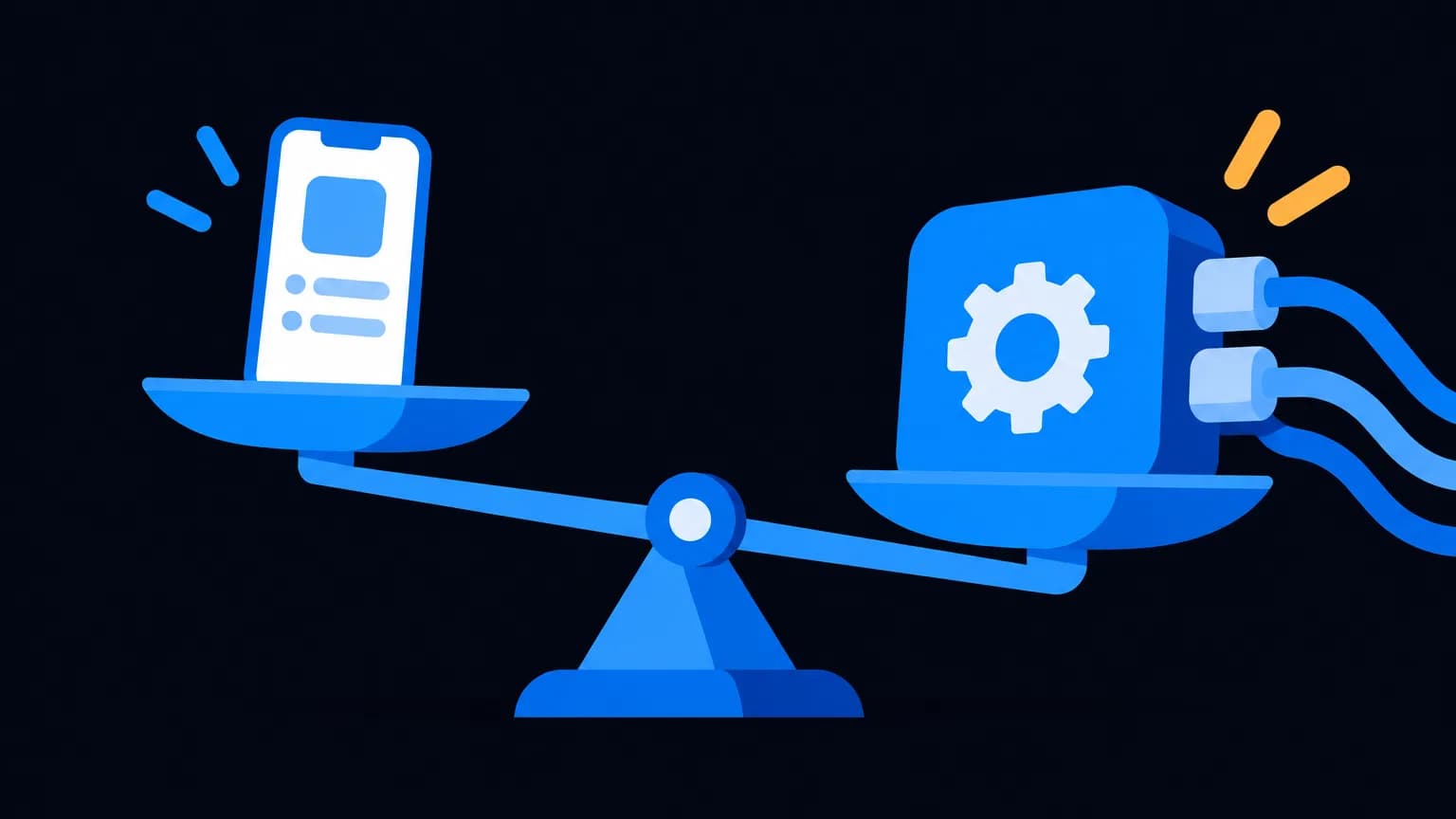
The WhatsApp Business App is a free phone app for small businesses that chat manually with customers. The WhatsApp Business API is the scalable version: unlimited broadcasts to opted-in contacts, many agents on one number, chatbots and CRM integrations, paid via a platform fee plus Meta's per-message charges. If you're outgrowing your phone, you need the API.
What's the real difference?
| Feature | Business App | Business API (via RapBooster) |
|---|---|---|
| Cost | Free | A plan per number + Meta's per-message charges |
| Broadcasts | Lists of up to 256, only to people who saved your number | Unlimited opted-in contacts, with templates |
| Team access | Linked devices, limited | Many agents in one shared inbox |
| Chatbot | Basic away/greeting messages | AI chatbot, Flows, forms, catalogue, payments |
| Integrations | None | CRM, Shopify, WooCommerce, Google Sheets, webhooks, REST API |
| Analytics | Basic message stats | Delivery, read, click and campaign reports |
| Green tick eligibility | No | Yes, if your brand qualifies |
| Interface | Phone app | Web dashboard (and mobile) |
When is the free app enough?
Stay on the app if all of these are true:
- One person (probably you) handles every chat.
- You get fewer than roughly 30–50 conversations a day.
- You don't need to message hundreds of customers at once.
- Nothing needs to sync with a CRM or store.
No shame in that. The app is great at what it does.
When should you move to the API?
Signs you've outgrown the app, in order of pain:
- You're missing messages. Chats get buried and customers go cold.
- You're copy-pasting the same reply 40 times a day. A chatbot does that inside the 24-hour service window, with 1,000 free service replies a month.
- Your broadcast list hit 256. And half your customers never saved your number, so they didn't even get it.
- Your team shares one phone. Or worse, everyone uses personal numbers and leaves with your customers.
- You want to sell inside chat. Catalogue, cart and payments need the API.
How much does the API cost compared with "free"?
The app is free. The API has two parts:
- Platform fee: on RapBooster, one WhatsApp Marketing plan per number. See the pricing page; prices exclude GST.
- Per message: Meta's charge for each delivered template message, billed to you directly by Meta; RapBooster adds nothing per message. Replies inside the 24-hour customer service window get 1,000 free per number each month (from 1 Oct 2026), then the utility rate.
Here's the honest maths. If the API saves one staff member two hours a day of manual replies and recovers even a handful of lost sales a month, the plan pays for itself. If it doesn't, stay on the app. See the full WhatsApp API pricing breakdown.
What changes when you migrate?
- Your number moves. Once it's connected to the API, the Business App on that number stops working. Back up your chats first.
- You need a Meta Business account. Verification helps with higher messaging limits and is required for the green tick.
- Templates need approval. Anything you send outside the 24-hour window must be a pre-approved template. Our template approval guide helps.
- Messaging limits ramp up. New numbers start with a daily cap on unique people you can message first. Good quality and steady volume raise it.
Which should GCC businesses choose?
Same logic, with one twist: Meta charges by the recipient's country, and marketing messages to UAE and Saudi numbers cost more than India. The API makes cost-control possible because you can segment and track every message. See WhatsApp Business API in UAE.
Quick decision checklist
- More than one person answering chats? API
- Need broadcasts beyond 256 contacts? API
- Want a chatbot, catalogue or payments? API
- Need CRM or store integration? API
- Solo, low volume, no automation needed? App (for now)
What does a smooth migration look like?
Moving from the app to the API is less scary if you treat it like a small project with a date on the calendar.
Week before the switch
- Export or back up important chats from the Business App.
- Verify your Meta Business account (GST certificate or incorporation documents).
- Decide who on your team needs access and what their roles are.
- Draft your first five templates: a welcome message, an order or booking confirmation, a reminder, a festive greeting and a re-engagement message.
Switch day
- Connect the number to RapBooster and set your display name and profile (logo, description, website, address).
- Turn on two-step verification.
- Submit templates for approval. Many are approved within hours.
- Set an auto-reply for incoming chats and business hours.
First two weeks
- Build a simple chatbot menu for your top questions.
- Import opted-in contacts and tag them by interest or purchase history.
- Send your first small campaign to your most engaged customers and watch your quality rating.
- Train the team on assignment, notes and quick replies in the shared inbox.
Real-world examples of who should switch
A bakery with one owner and 20 chats a day: probably stay on the app for now. Use catalogue and quick replies, and revisit when orders grow.
A coaching institute with three counsellors and 150 enquiries a day from ads: switch. The shared inbox, a qualification chatbot and reminder templates will save hours and recover missed leads.
A D2C brand shipping 200 orders a day: switch. Automated order updates, cart recovery and a store integration pay for the plan many times over.
A real estate developer running click-to-WhatsApp ads: switch. Instant brochure delivery, lead routing to site agents and CRM sync are exactly what the API is for.
The bottom line
The app is a great starter. The API is the grown-up version for businesses that want to scale conversations without scaling headcount. Try the API free on RapBooster and see if it earns its keep.


 Questions first? Chat with us on WhatsApp