
 Pricing & How-To
 RapBooster Growth Team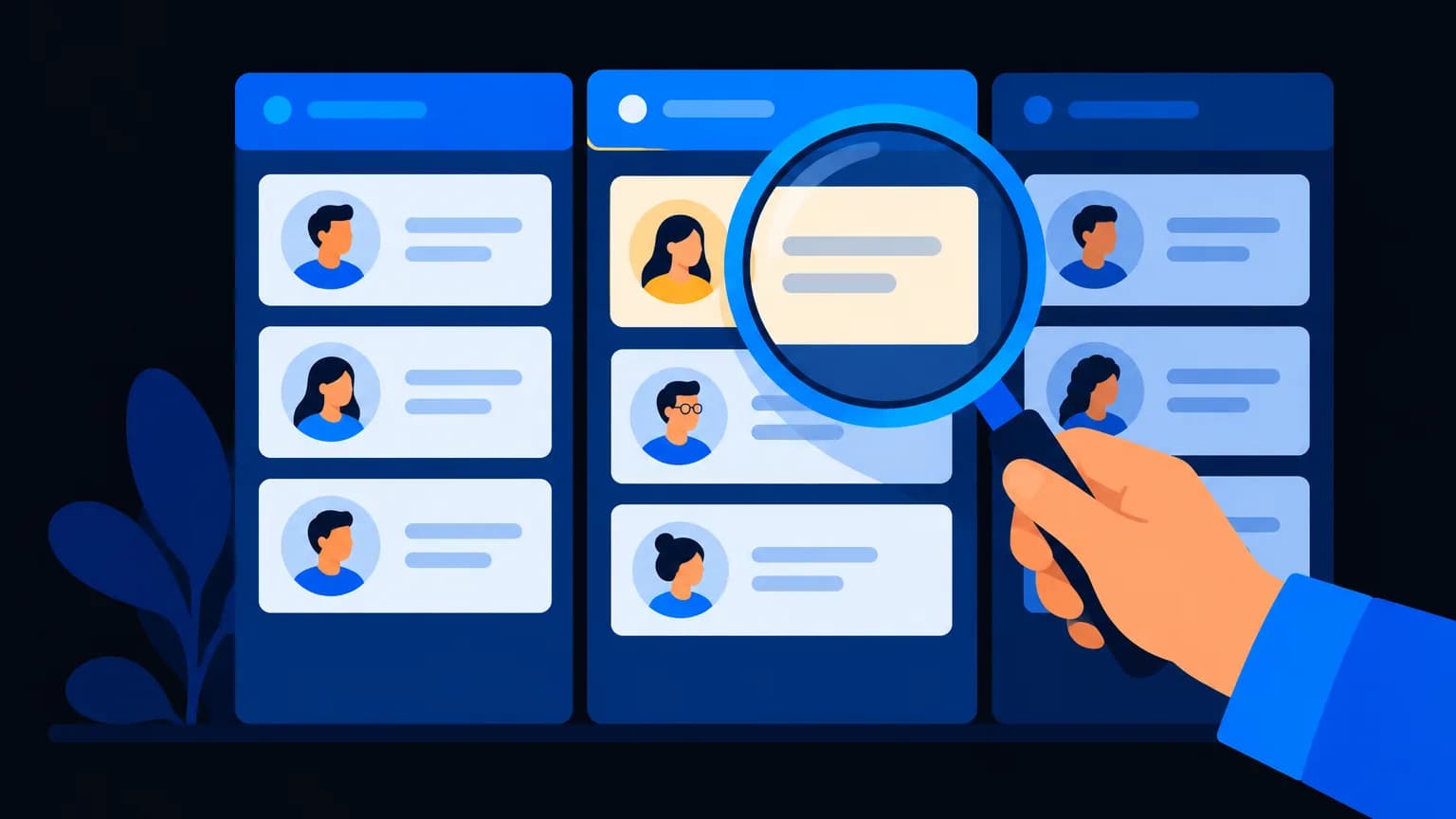
A CRM (Customer Relationship Management) system is software that keeps every lead, customer, conversation, task and deal in one place, so your team knows who to follow up with, when, and what was said. For small businesses, it's the difference between leads slipping through WhatsApp chats and a clear pipeline you can grow.
What a CRM actually does
| Without a CRM | With a CRM |
|---|---|
| Leads scattered across WhatsApp, notebooks and Excel | One searchable place for every lead |
| "Did anyone call him back?" | Tasks and reminders assigned to people |
| No idea how many deals are close | A visual pipeline with deal values |
| Knowledge leaves when staff leave | History stays with the business |
| Guesswork on what's working | Reports on sources, conversions and revenue |
Signs you need a CRM (yesterday)
- You've forgotten to follow up with a hot lead this month
- Two salespeople contacted the same customer
- You can't answer "how many leads came from Instagram?"
- Your "system" is a WhatsApp group plus an Excel sheet
- Quotes and invoices live in five different places
Core CRM features to look for
1. Contacts and companies. Every person and business, with history.
2. Pipeline (deals). Drag deals through stages like New → Contacted → Proposal → Won. See pipeline stages.
3. Tasks and reminders. "Call Ramesh on Tuesday" doesn't depend on memory.
4. Communication integration. WhatsApp, email, RCS and calls logged automatically.
5. Calling and IVR. Click-to-call and call recordings (RapBooster Voice gives you an IVR number that works with the CRM). See CRM with IVR.
6. Quotes, invoices and proposals. Close the deal without leaving the CRM.
7. Reports. Lead sources, conversion rates, team performance.
8. Automation. Auto-assign leads, send follow-up messages, score leads.
CRM types (quick guide)
- Sales CRM: pipelines and follow-ups (most small businesses start here)
- Service CRM: tickets and support
- All-in-one CRM: sales, projects, invoices, helpdesk and knowledge base in one (RapBooster CRM includes these)
What does a CRM cost?
RapBooster CRM (excl. GST):
| Plan | Price | Includes |
|---|---|---|
| CRM | ₹1,799/mo, or ₹1,499/mo billed yearly. 5 users included, ₹299 per extra user | Pipeline and dashboard, sales automation, lead scoring, invoices, estimates, proposals, projects and Gantt, tickets, knowledge base, and every other business app, with no usage limits |
Calling is separate: RapBooster Voice gives you an IVR number billed monthly, with call minutes on credits. WhatsApp, Email and the phone gateway are marketing plans per account. See pricing.
Compare costs in CRM pricing in India.
How do you get started without overwhelm?
- Define 5–6 pipeline stages that match how you actually sell
- Import contacts from Excel or your phone
- Connect WhatsApp and email
- Set one rule: every lead gets a next task with a date
- Review the pipeline weekly as a team
A day in the life with a CRM
9:30 am: a salesperson opens the CRM and sees today's tasks: 6 callbacks, 3 proposals to send, 2 demos. No digging through chats.
10:15 am: a new lead arrives from a Meta ad. The CRM assigns it to the right rep, sends a WhatsApp acknowledgement and creates a "call within 15 minutes" task.
11:00 am: the rep calls from the CRM (click-to-call). The recording and notes save automatically, and the deal moves to "Qualified".
2:00 pm: the manager checks the pipeline: ₹8.4 lakh in open deals, 3 stuck at "Proposal Sent" for over a week, so she nudges the team.
5:30 pm: an estimate is sent from the CRM, and the customer accepts it. The deal moves to "Won" and the invoice is generated.
That's the difference: nothing depends on memory, and everyone can see the same picture.
Getting your team to actually use it
The biggest CRM risk isn't the software; it's adoption. What helps:
- Keep it simple at first: a few stages, a few required fields
- Make it the only source of truth: leads not in the CRM don't exist
- Integrate WhatsApp and calls, so logging happens automatically
- Use it in meetings: run weekly reviews from the CRM dashboard
- Celebrate wins in the CRM: visible progress motivates
Signs your CRM is working
- Follow-ups happen on time without reminders from the boss
- You can answer "where did our best customers come from?" in seconds
- New team members get up to speed faster with full customer history
- Month-end forecasting takes minutes, not a day of spreadsheets
The bottom line
A CRM is your business's memory. It makes sure every lead gets followed up, every deal is visible and every customer feels remembered. Start simple, stay consistent, and it'll quietly lift your close rate.

 Questions first? Chat with us on WhatsApp