
 Pricing & How-To
 RapBooster Growth Team
To start an online store in India in 30 days: week 1, validate your products and set up business basics (GST, bank account, payment gateway); week 2, pick a platform and build a focused store; week 3, set up payments, shipping, policies and WhatsApp automation; week 4, launch with a small marketing test and iterate. Start narrow and learn fast.
This is general guidance, not legal or tax advice. Check GST and business registration requirements with a CA.
Week 1: Validate and set up basics
Validate demand
- Pick 5–15 hero products, not 500
- Check search interest, competitor pricing and reviews
- Pre-sell to friends or followers on Instagram or WhatsApp
Business basics
- Business registration (proprietorship, LLP or Pvt Ltd)
- GST registration (generally needed for e-commerce)
- Current bank account
- Payment gateway application (documents take time)
Week 2: Platform and store build
- Choose a platform: Shopify for speed, WooCommerce for control. See the comparison
- Build a focused store: homepage, collections, product pages, cart, checkout
- Product pages that sell: great photos, clear titles, size guides, delivery info, reviews
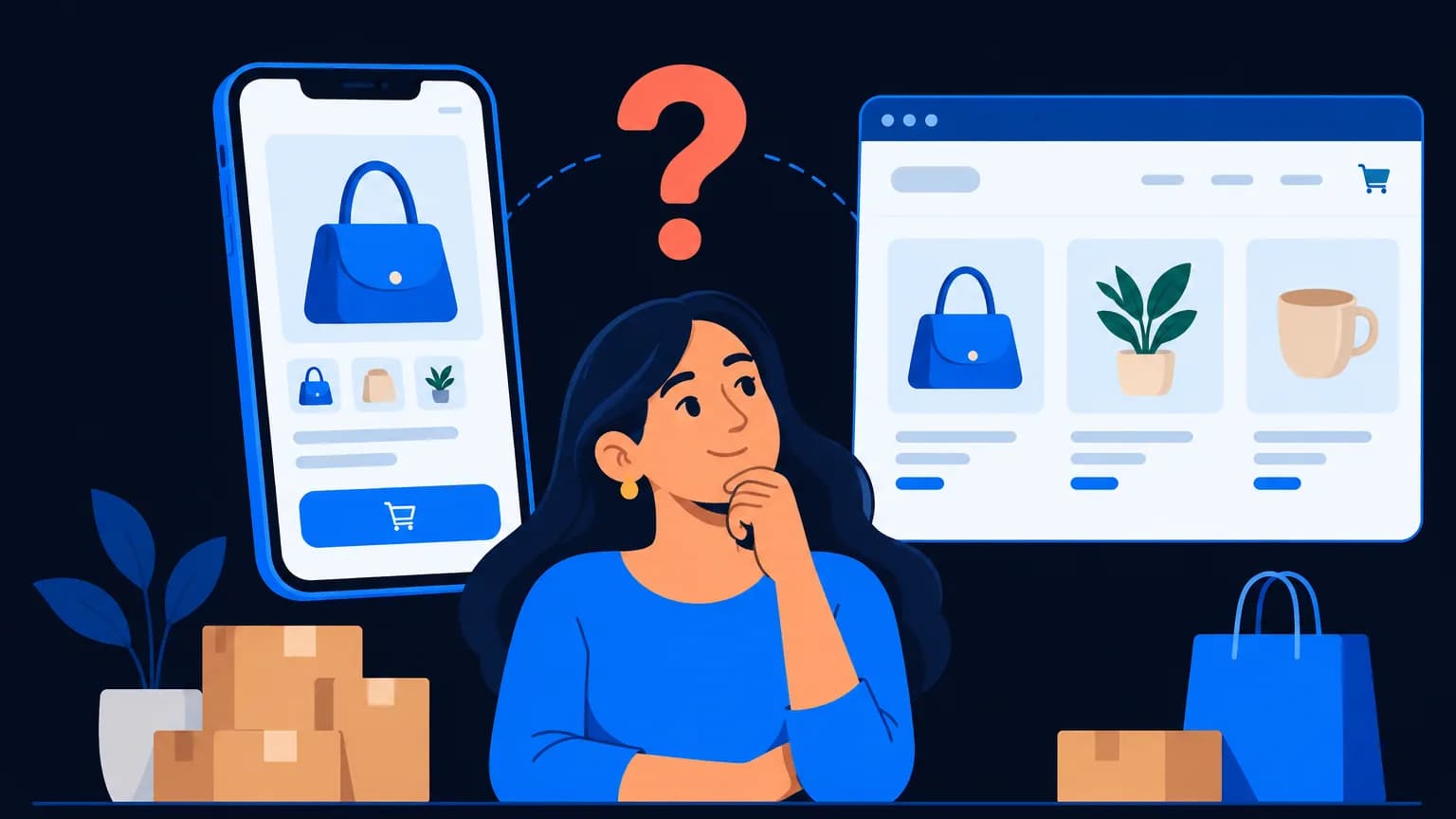
- Mobile first: most shoppers will buy on phones
RapBooster's Basic Store (₹49,999, excl. GST) covers up to 50 products, Shopify or WooCommerce, one gateway, order tracking and customer accounts, in 3–4 weeks.
Week 3: Payments, shipping and trust
Payments: UPI, cards and netbanking via your gateway; decide COD rules (limits, pin codes, fees)
Shipping: connect a shipping aggregator, set rates, and test pin-code serviceability
Policies (must-haves):
- Shipping policy
- Return and refund policy
- Privacy policy
- Terms of service
- Contact details with a real address
WhatsApp automation:
- Order confirmation and shipping updates (utility messages)
- Abandoned cart recovery (playbook)
- A "chat with us" button on product pages
Week 4: Launch and learn
- Soft launch to friends, family and followers for feedback
- Instagram: 9–12 posts and reels ready before launch
- Ads test: a small Meta ads budget to 2–3 audiences
- WhatsApp broadcast to opted-in early supporters
- Track: traffic, add-to-cart rate, conversion rate, cost per order
The first 90 days after launch
| Focus | Action |
|---|---|
| Conversion | Improve product pages; add reviews |
| Retention | Post-purchase WhatsApp and email flows |
| Acquisition | Double down on the best-performing channel |
| Operations | Reduce RTO with COD confirmation on WhatsApp |
Common first-store mistakes
- Launching with too many products and weak photos
- No policies, which looks untrustworthy
- Ignoring mobile speed
- Spending the entire budget on ads in week one
- No plan for repeat purchases
Related reading
Launch-day checklist
- Test orders placed with every payment method (UPI, card, netbanking, COD)
- Order confirmation emails and WhatsApp messages working
- Shipping rates correct for different pin codes
- Mobile checkout tested on Android and iPhone
- Policies linked in the footer
- Analytics, Meta Pixel and Google tags firing
- Google Business Profile and Instagram bio linked to the store
- The team knows who answers WhatsApp and phone enquiries, and when
Product photography on a budget
- Use natural window light and a white or neutral backdrop
- Shoot the front, back, detail, scale (in hand or worn) and packaging
- Keep the same angle and background across products for a clean catalogue
- Add a short video for hero products; phone video is fine
- Compress images for speed without losing clarity
Reducing RTO (return to origin) from day one
COD is popular in India but increases failed deliveries. Reduce them with:
- WhatsApp COD confirmation before shipping ("Reply 1 to confirm your order")
- Small prepaid incentives (free shipping for prepaid)
- Pin-code rules for high-RTO areas
- Clear delivery timelines on product pages
- Accurate size guides to cut "didn't fit" returns
Where to sell besides your own store
Many brands also list on marketplaces for reach while building their own store for margins and customer relationships. Use marketplace buyers as a discovery channel, and invite them (within each marketplace's rules) to follow your brand on Instagram or join your WhatsApp updates.
The bottom line
A great online store starts small: a few hero products, a fast mobile site, trustworthy policies and WhatsApp-powered customer care. Launch in 30 days, learn from real customers, and scale what works.
 Questions first? Chat with us on WhatsApp